
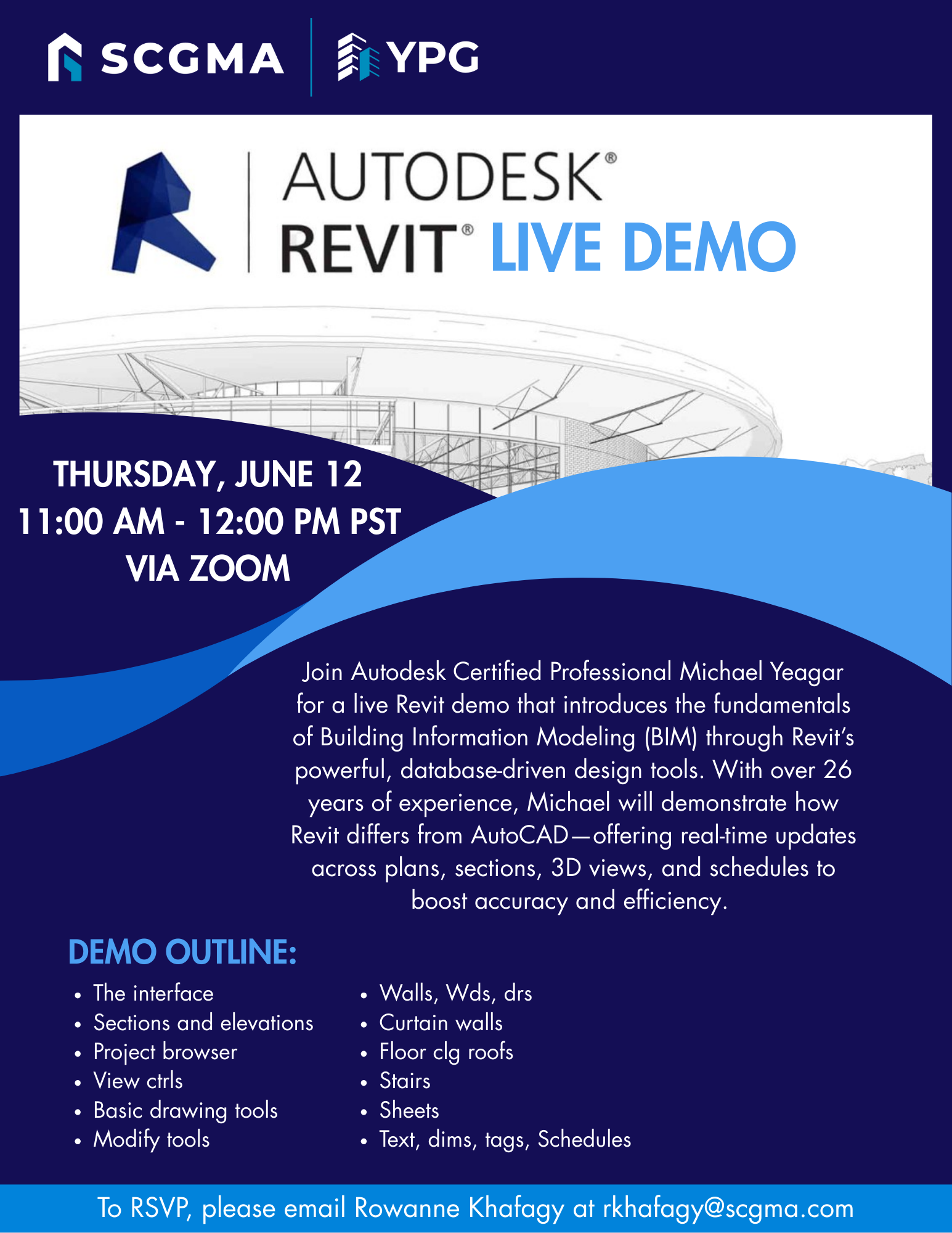
SCGMA YPG Revit Live Demo

Join Autodesk Certified Professional Michael Yeagar for a live Revit demo that introduces the fundamentals of Building Information Modeling (BIM) through Revit’s powerful, database-driven design tools. With over 26 years of experience, Michael will demonstrate how Revit differs from AutoCAD—offering real-time updates across plans, sections, 3D views, and schedules to boost accuracy and efficiency. You’ll explore essential features including the interface, levels, views, project browser, drawing and modify tools, walls, windows, doors, curtain walls, floors, roofs, stairs, sheets, dimensions, tags, and schedules.

Date: Thursday, June 12, 2025
Time: 11:00am – 12:00pm
Location: via Zoom

Program Outline:

  • The interface
  • Levels and views/ sections, elevations
  • Project browser
  • View ctrls
  • Basic drawing tools
  • Modify tools
  • Walls, Wds, drs
  • Curtain walls
  • Floor clg roofs
  • Stairs
  • Sheets
  • Text, dims, tags, Schedules


About Michael Yeagar:

is an Autodesk Certified Professional and Instructor with over 26 years of experience in Revit, AutoCAD, and 3DS Max design and training. As a seasoned Subject Matter Expert, he was invited by Certiport to contribute to the development of next-generation Autodesk Certified Exams for Revit. His career has consistently balanced high-level production with technical instruction, serving clients ranging from architectural firms to major corporations like Walt Disney Imagineering and Toyota Motors America.
 

Click Here to Download the Event Flyer.

RSVP Required. To RSVP, please email Rowanne Khafagy at rkhafagy@scgma.com.

Free for SCGMA Members*
$35 for Non-Members*

Recent Posts

SCGMA YPG Intermediate Excel Course (2026 Series) – Lesson 3

Our annual Excel Training continues with a 3-session Intermediate series led by Microsoft Master Instructor Rob Mendell. Lesson 3 covers advanced filtering and data shaping with text and date functions (including newer TEXT functions), plus custom number formats, deeper conditional…

January 27, 2026

SCGMA YPG Intermediate Excel Course (2026 Series) – Lesson 2

Our annual Excel Training continues with a 3-session Intermediate series led by Microsoft Master Instructor Rob Mendell. Lesson 2 focuses on lookup and analysis skills: reference functions (ROW/COLUMN, INDIRECT/OFFSET), lookups (VLOOKUP/HLOOKUP, INDEX/MATCH, XLOOKUP + IFERROR), plus tables, sheet-view tools (freeze/split/hide),…

January 27, 2026

SCGMA YPG Intermediate Excel Course (2026 Series) – Lesson 1

Our annual Excel Training continues with a 3-session Intermediate series led by Microsoft Master Instructor Rob Mendell. Lesson 1 reviews the Basics (with Q&A) and moves into intermediate essentials: data tools (Subtotals, Remove Duplicates, Data Validation/dropdowns), logical formulas (AND/OR/NOT, IF/IFS,…

January 27, 2026

SCGMA YPG Excel Basics Course (2026)

Join us for our annual Excel training with Microsoft Master Instructor Rob Mendell. Excel Basics covers essential formulas, efficient workbook setup, error troubleshooting, and time-saving features in a hands-on format—perfect for beginners and experienced users looking to sharpen their skills…

January 27, 2026

SCGMA Event – Open Session

Join us to learn more about Association happenings – trust fund updates, industry updates, man hour updates, and more. Date: Thursday, February 26, 2026 Time: 8:00am – 8:30am Location: via Zoom Tentative agendas for these Open Sessions may include: Glazing Work…

January 19, 2026
MORE STORIES