
Date: Wednesday, April 10, 2025
Time: 11:00am – 12:30pm
Location: via Zoom
Program Outline:
- Advanced Filter (filtering with “and” and “or” Booleans)
- Text functions
- LEFT, RIGHT, MID, LEN, FIND, TRIM, UPPER, LOWER, and PROPER
- New: ARRAYTOTEXT, TEXTBEFORE, TEXTAFTER, TEXTSPLIT, and TEXTJOIN
- Text To Columns
- ISEVEN, ISODD, MOD
- Determining if a value is even or odd
- The MOD function
- Combining MOD with text
- Dates and Times
- TODAY, NOW
- How Excel stores dates
- Formatting dates
- Functions: YEAR, MONTH, WEEKDAY, (others?)
- Math with dates
- Making a Last Day of Month series
- Custom and Special Cell Formats
- Show leading zeros, enter telephone and social security numbers, red negatives, etc.
- More with Conditional Formatting
- Format other cells based on formula results
- Go To Special
- How to select filtered rows
About Rob Mendell:
 Rob Mendell is an Independent Contractor and a Microsoft Certified Master Instructor for Microsoft Office, providing training and support for end-users. Rob also designs and develops bespoke software solutions inside Microsoft Office by programming in VBA (Visual Basic for Applications): macros, automation templates, and fully customized dialog boxes. Since 1993, He has trained and supported individuals and groups of all sizes, and developed a myriad of robust solutions in the world’s most ubiquitous business software: Microsoft Office. Rob has worked with NECA (National Electrical Contractors Association) and WC&C (Association of Wall-Ceiling & Carpentry Industries), government agencies, healthcare facilities, over 100 law firms, companies in a wide variety of businesses, and individuals.
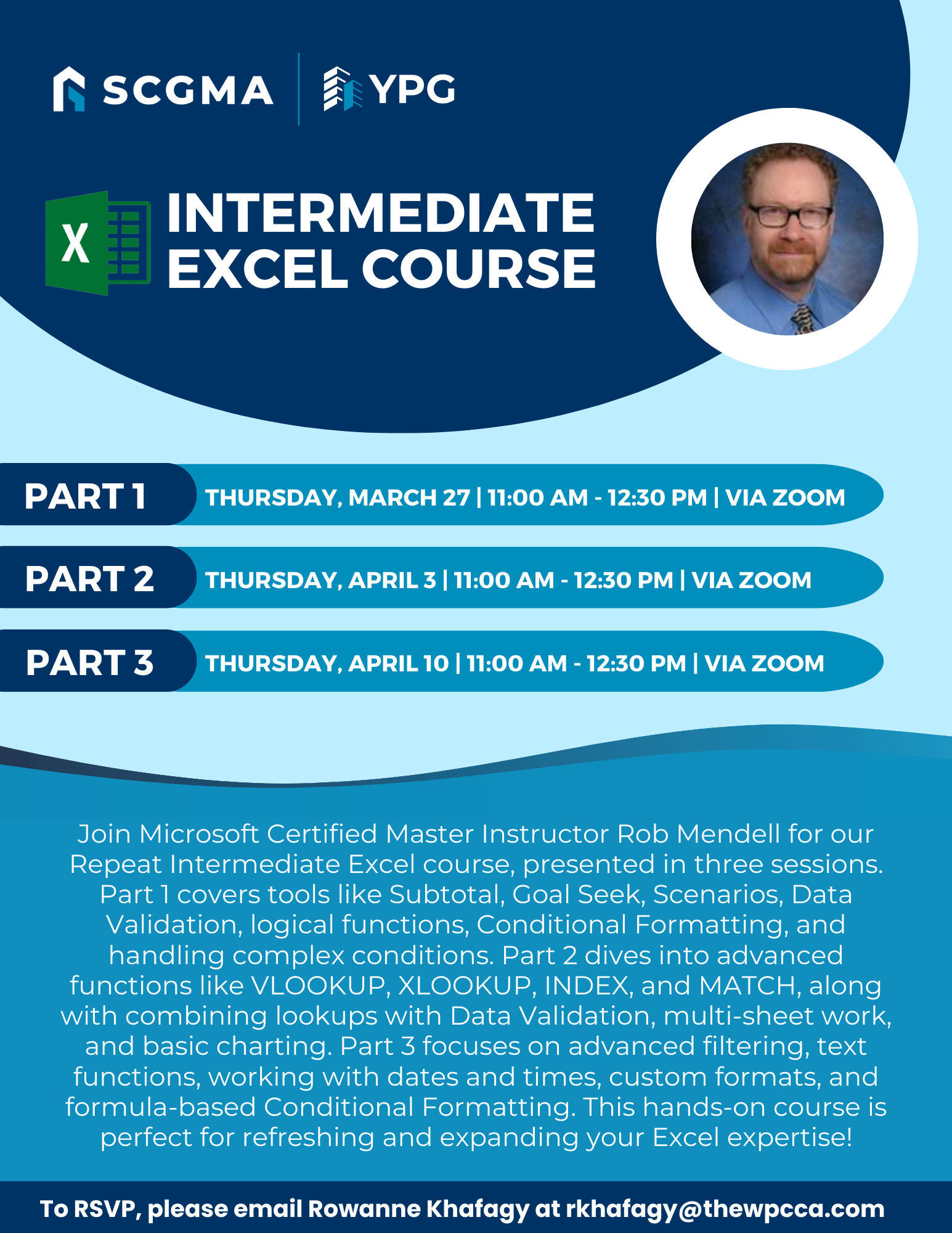 Click Here to Download the Event Flyer.
RSVP Required. To RSVP, please email Rowanne Khafagy at rkhafagy@scgma.com.
Free for SCGMA Members*
$35 for Non-Members*