
 Join us for our fourth lesson of Microsoft Project Level 1 Course taught by Microsoft Certified Professional, James Law. This lesson will continue the training on managing project resources including entering costs, assigning resources to tasks, and resolving conflicts. The lesson will also cover finalizing a project plan in terms of optimizing the project plan, setting a baseline, and sharing a project plan. This course will conclude with an overview of the Microsoft Project online environment.
Date: Friday, May 17, 2024
Time: 11:00am – 12:30pm PST
Location: Via Zoom
Program Outline:
- Managing Project Resources
Topic C: Enter Costs for Resources
1) Resource Costs
2) Resource Cost Rate Tables
3) Activity 5-3
Topic D: Assign Resources to Tasks
1) Scheduling Formula
2) Task Types
3) Effort-Driven Scheduling
4) Task Usage Table
5) Assign Resources Dialog Box
6) Activity 5-4
Topic E: Resolve Resource Conflicts
1) Resource Allocation
2) Allocation Views
3) Resource Leveling
4) Resolving Resource Conflicts
5) Task Inspector Pane
6) Resource Leveling Dialog Box
7) Leveling Gantt Chart
8) Activity 5-5 - Finalizing a Project Plan
Topic A: Optimize a Project Plan
1) Critical path
2) Slack
3) Optimizing a Project Plan
4) Activity 1
Topic B: Set a Baseline
1) Setting a Baseline
2) Baseline Dialog Box
3) Activity 2
Topic C: Share a Project Plan
1) Printed Project Plans
2) Print Settings
3) Page Setup Options
4) Syncing Project with SharePoint
5) Emailing Project Plans
6) Activity 3 - Microsoft Project Online Environment
Topic A: Navigate in Project Online
1) Project Online
2) OneDrive
3) Activity 1
Topic B: PWA vs Project Online
1) Differences
2) Project Server
3) PWA Account
4) Activity 2
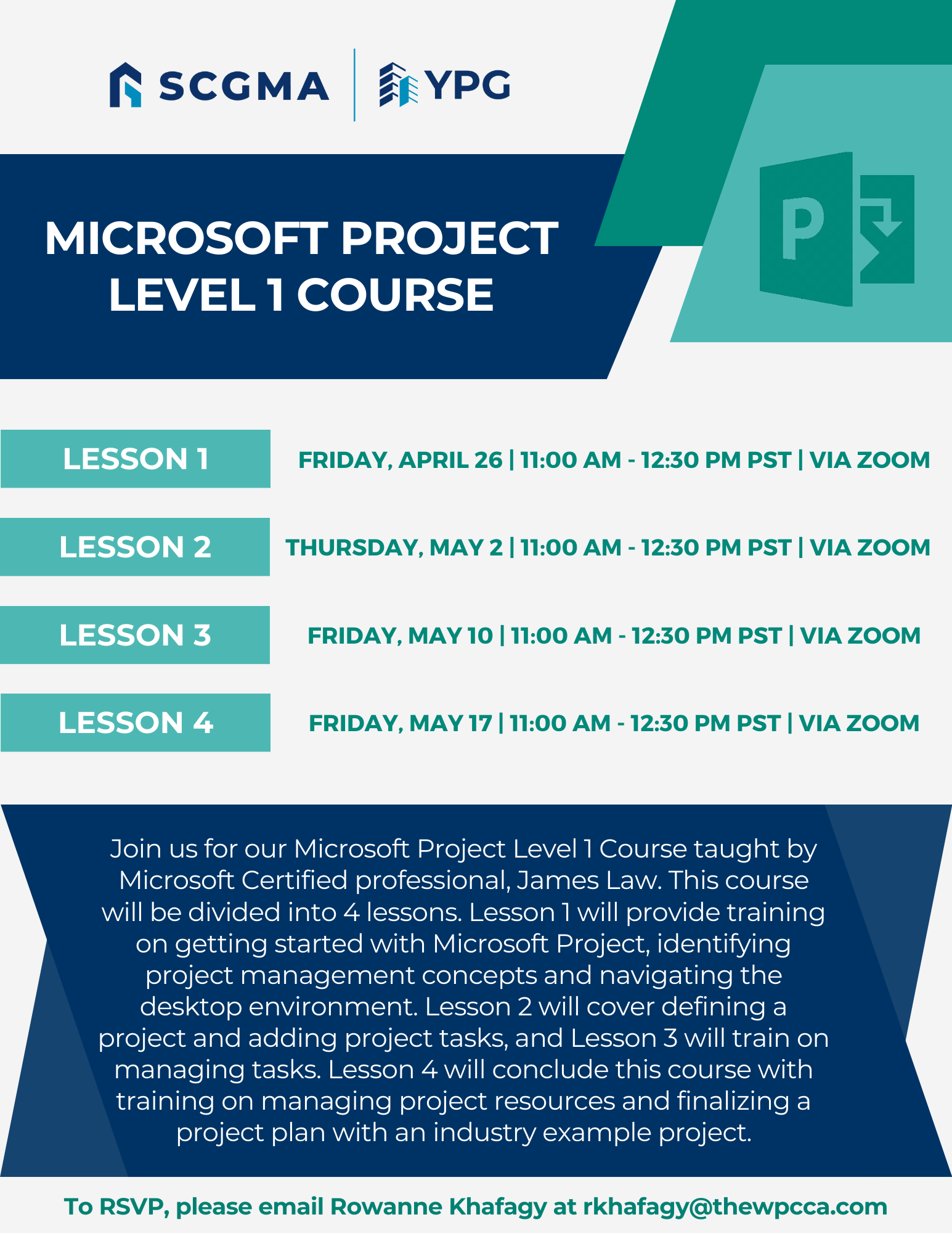
Click Here to Download the Event Flyer.
RSVP Required. To RSVP, please email Rowanne Khafagy at rkhafagy@scgma.com.
Free for SCGMA Members*
$35 for Non-Members*