
 Join us for our second lesson of Microsoft Project Level 1 Course taught by Microsoft Certified Professional, James Law. This lesson will provide training on defining a project by creating a new project plan, setting project options and assigning a project calendar. Attendees will also learn to add tasks to project plans and set task duration estimates and milestones.
Date: Thursday, May 2, 2024
Time: 11:00am – 12:30pm PST
Location: Via Zoom
Program Outline:
- Defining a Project
Topic A: Create a New Project Plan
1) Methods
1.1) Blank Project
1.2) Existing Project
1.3) Import from Excel
1.4) SharePoint Task List
1.5) Project Templates
2) Activities 1 & 2
Topic B: Set Project Plan Options
1) Project Plan Options
2) Activity 3
Topic C: Assign a Project Calendar
1) Calendar Types
1.1) Project Calendars
1.2) Resource Calendar
1.3) Task Calendar
2) Change Working Time
2.1) Exceptions
3) Activity 4 - Adding Project Tasks
Topic A: Add Tasks to a Project Plan
1) Task Modes
2) Task Entry Table
3) Task Information Dialog Box
4) Recurring Tasks
5) Activity 1
Topic B: Enter Task Duration Estimates
1) Duration Codes
2) Estimated Duration
3) Milestones
4) Activity 2
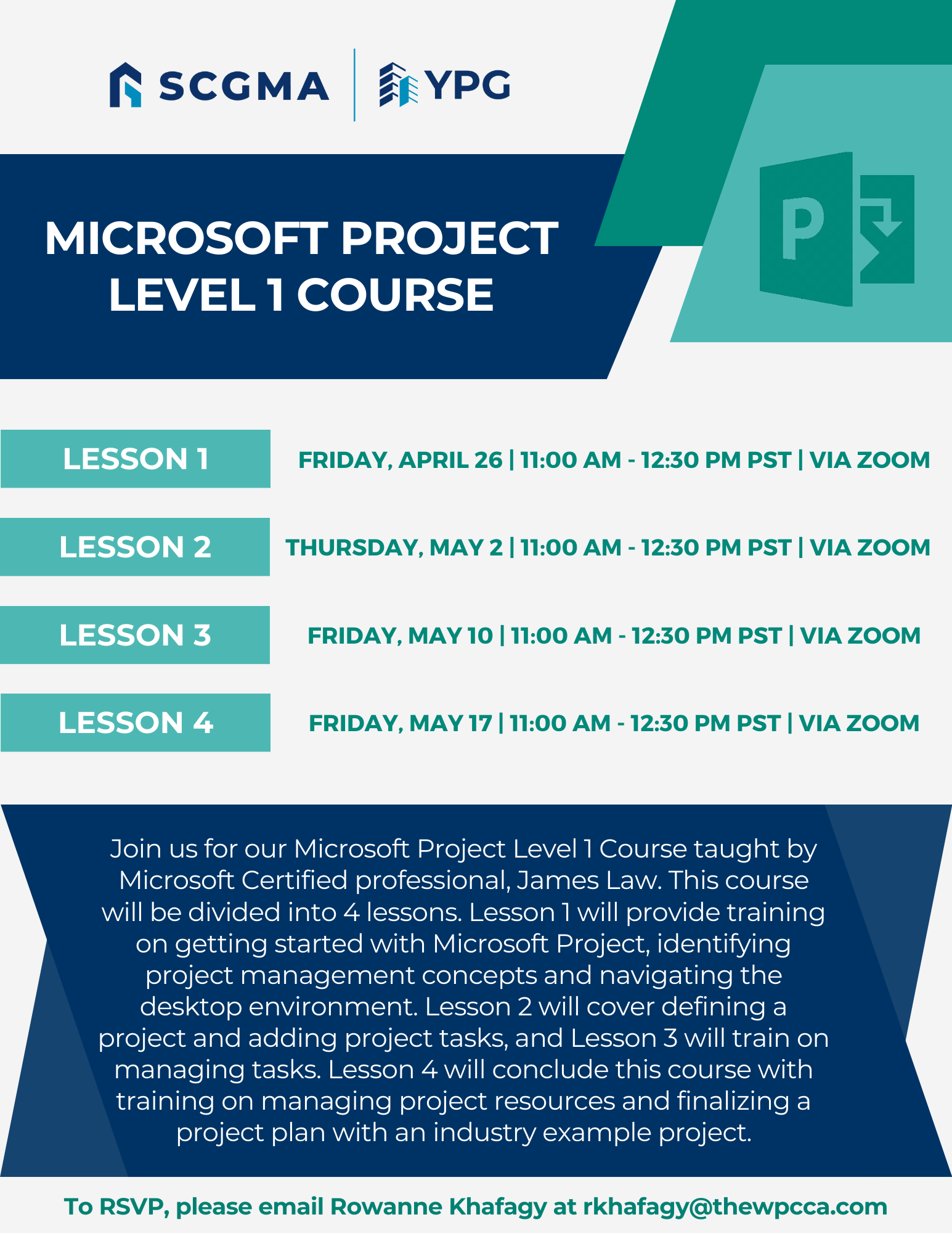
Click Here to Download the Event Flyer.
RSVP Required. To RSVP, please email Rowanne Khafagy at rkhafagy@scgma.com.
Free for SCGMA Members*
$35 for Non-Members*