
SCGMA YPG Microsoft Project Level 1 Course – Lesson 1

Microsoft Project | UConn Software Catalog

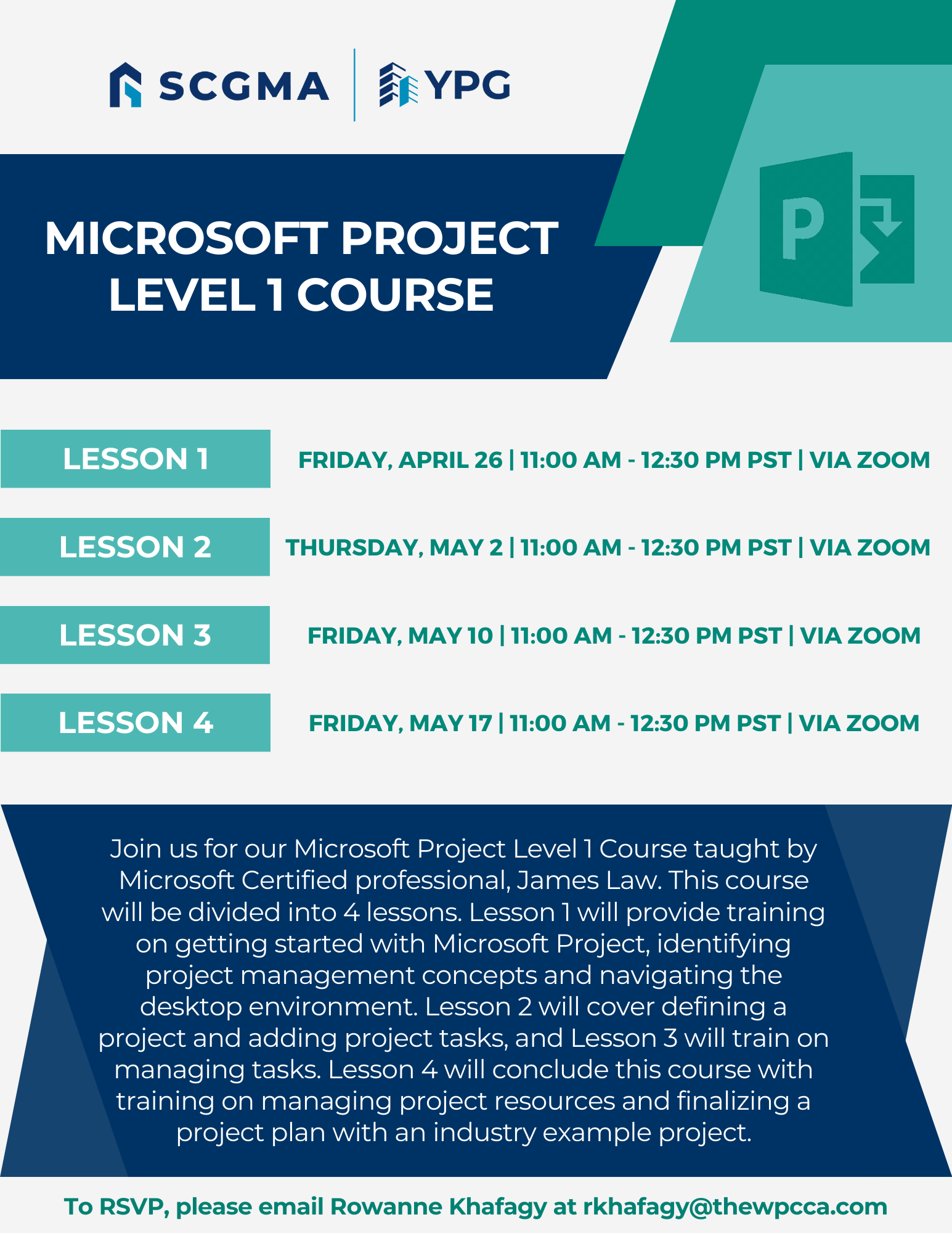
Join us for our first lesson of Microsoft Project Level 1 Course taught by Microsoft Certified Professional, James Law. This lesson will provide training on getting started with Microsoft Project. Attendees will learn how to identify project management concepts from definitions, and project management processes to project constraints and roles. This lesson will also cover navigating the MS Project desktop environment including project editions, views, timescales, tables, fields, and more.

Date: Friday, April 26, 2024
Time: 11:00am – 12:30pm PST
Location: Via Zoom
Program Outline:

  1. Getting Started with Microsoft Project
    Topic A: Identify Project Management Concepts
    1) Definitions
    2) Project Management Process
    3) Project Constraints
    4) Project Roles
    5) Activity/Quiz
    Topic B: Navigate in the Microsoft Project Desktop Environment
    1) Project Editions
    2) Start Screen
    3) Project Views
    4) Timescales
    5) Tables
    6) Fields
    7) Quick Access Toolbar
    8) Ribbon
    8.1) Contextual Tabs
    8.2) Tell Me
    8.3) Backstage View
    9) Status Bar
    10) Activity
 

Click Here to Download the Event Flyer

RSVP Required. To RSVP, please email Rowanne Khafagy at rkhafagy@scgma.com.

Free for SCGMA Members*
$35 for Non-Members*

Recent Posts

SCGMA YPG Intermediate Excel Course (2026 Series) – Lesson 3

Our annual Excel Training continues with a 3-session Intermediate series led by Microsoft Master Instructor Rob Mendell. Lesson 3 covers advanced filtering and data shaping with text and date functions (including newer TEXT functions), plus custom number formats, deeper conditional…

January 27, 2026

SCGMA YPG Intermediate Excel Course (2026 Series) – Lesson 2

Our annual Excel Training continues with a 3-session Intermediate series led by Microsoft Master Instructor Rob Mendell. Lesson 2 focuses on lookup and analysis skills: reference functions (ROW/COLUMN, INDIRECT/OFFSET), lookups (VLOOKUP/HLOOKUP, INDEX/MATCH, XLOOKUP + IFERROR), plus tables, sheet-view tools (freeze/split/hide),…

January 27, 2026

SCGMA YPG Intermediate Excel Course (2026 Series) – Lesson 1

Our annual Excel Training continues with a 3-session Intermediate series led by Microsoft Master Instructor Rob Mendell. Lesson 1 reviews the Basics (with Q&A) and moves into intermediate essentials: data tools (Subtotals, Remove Duplicates, Data Validation/dropdowns), logical formulas (AND/OR/NOT, IF/IFS,…

January 27, 2026

SCGMA YPG Excel Basics Course (2026)

Join us for our annual Excel training with Microsoft Master Instructor Rob Mendell. Excel Basics covers essential formulas, efficient workbook setup, error troubleshooting, and time-saving features in a hands-on format—perfect for beginners and experienced users looking to sharpen their skills…

January 27, 2026

SCGMA Event – Open Session

Join us to learn more about Association happenings – trust fund updates, industry updates, man hour updates, and more. Date: Thursday, February 26, 2026 Time: 8:00am – 8:30am Location: via Zoom Tentative agendas for these Open Sessions may include: Glazing Work…

January 19, 2026
MORE STORIES