
Join us for part 2 of our Intermediate Excel Course taught by Microsoft Certified Master Instructor, Rob Mendell. In this session, Rob will dive deeper into the intricacies of protectings cells and mastering conditional formatting. From count functions to round functions, and lookup functions to inexact matching, attendees will learn to quantify data, refine numerical precision and efficiently retreive data.
Date: Wednesday, July 17, 2024
Time: 11:00am – 12:30pm
Location: via Zoom
Program Outline:
- Protecting Cells
- Conditional Formatting
- What is Conditional Formatting?
- Graphics
- Shading
- (Using Wingdings)
- Count Functions
- COUNT
- COUNTA
- COUNTIF
- Round Functions
- ROUND
- ROUNDUP
- ROUNDDOWN
- A few Reference functions
- ROW
- COLUMN
- INDIRECT
- OFFSET
- Lookup functions
-
- VLOOKUP
- (IFERROR)
- HLOOKUP
- Also an example of inexact matching
- INDEX
- MATCH
- New: XLOOKUP
- Combine Lookup and Data Validation
About Rob Mendell:
 Rob Mendell is an Independent Contractor and a Microsoft Certified Master Instructor for Microsoft Office, providing training and support for end-users. Rob also designs and develops bespoke software solutions inside Microsoft Office by programming in VBA (Visual Basic for Applications): macros, automation templates, and fully customized dialog boxes. Since 1993, He has trained and supported individuals and groups of all sizes, and developed a myriad of robust solutions in the world’s most ubiquitous business software: Microsoft Office. Rob has worked with NECA (National Electrical Contractors Association) and WC&C (Association of Wall-Ceiling & Carpentry Industries), government agencies, healthcare facilities, over 100 law firms, companies in a wide variety of businesses, and individuals.
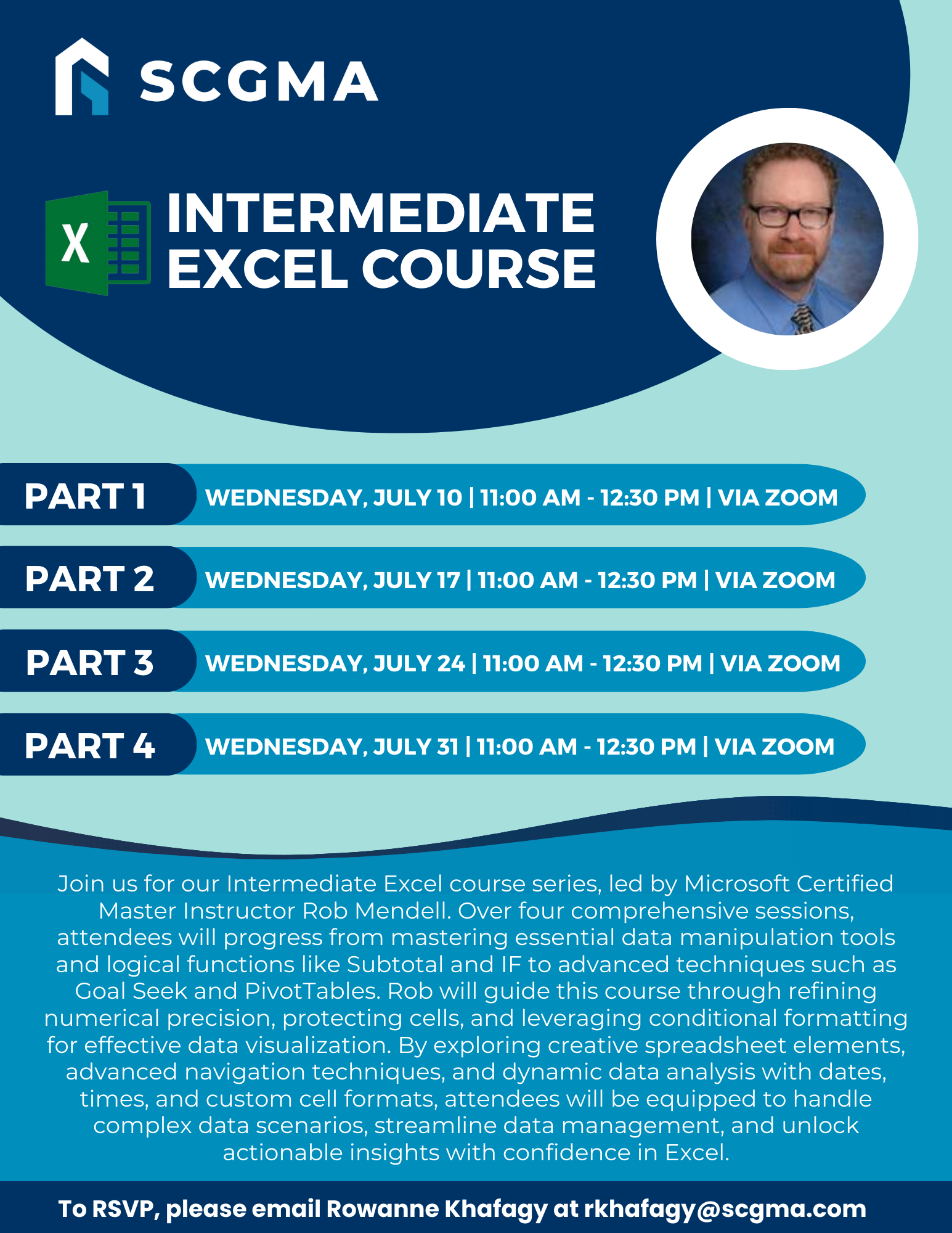 Click Here to Download the Event Flyer.
RSVP Required. To RSVP, please email Rowanne Khafagy at rkhafagy@scgma.com.
Free for SCGMA Members*
$35 for Non-Members*