
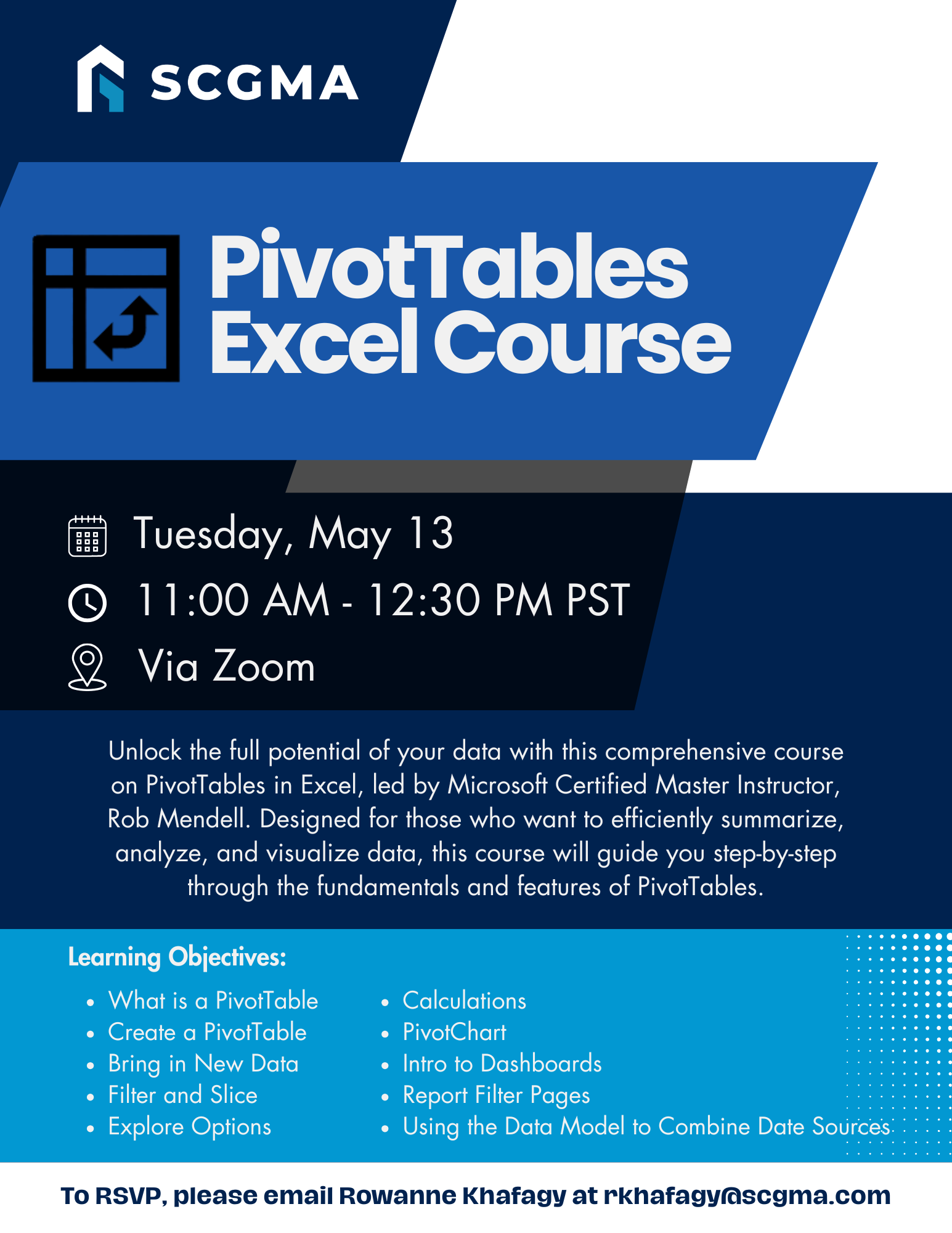
Unlock the full potential of your data with this comprehensive course on PivotTables in Excel, led by Microsoft Certified Master Instructor, Rob Mendell. Designed for those who want to efficiently summarize, analyze, and visualize data, this course will guide you step-by-step through the fundamentals and features of PivotTables. This course teaches you how to create and customize PivotTables in Excel, manage data, apply filters and slicers, and perform advanced calculations. You’ll also explore building dashboards and combining data from multiple sources for enhanced analysis.
Date: Tuesday, May 13, 2025
Time: 11:00am – 12:30pm
Location: via Zoom
Program Outline:
- What is a PivotTable (demo)
- Is your Data Ready
- Create a PivotTable from Data
- Recommended PivotTables
- Insert PivotTable
- Move a PivotTable
- Bring in New Data
- Refresh
- Change Data Source
- Filter and Slice
- Filter
- Slicer
- Timeline
- Double-click a total to pull out its details
- Options
- Group / Ungroup
- Display options
- Total options
- Formatting, etc.
- Banded columns
- Banded rows
- In-Class Exercises
- Calculations
- Calculated Field
- Calculated Item
- PivotChart
- If time allows and/or participants want to switch up the topics…
- Intro to Dashboards
- What is a Dashboard
- How to put multiple PivotTable objects on one tab
- Create
- Move
- How to put multiple PivotChart objects on one tab
- Report Filter Pages
- Using the Data Model to Combine Data Sources
- Is your data ready
- Define Relationships
- Use the data in a PivotTable
About Rob Mendell:
 Rob Mendell is an Independent Contractor and a Microsoft Certified Master Instructor for Microsoft Office, providing training and support for end-users. Rob also designs and develops bespoke software solutions inside Microsoft Office by programming in VBA (Visual Basic for Applications): macros, automation templates, and fully customized dialog boxes. Since 1993, He has trained and supported individuals and groups of all sizes, and developed a myriad of robust solutions in the world’s most ubiquitous business software: Microsoft Office. Rob has worked with NECA (National Electrical Contractors Association) and WC&C (Association of Wall-Ceiling & Carpentry Industries), government agencies, healthcare facilities, over 100 law firms, companies in a wide variety of businesses, and individuals.
 Click Here to Download the Event Flyer.
RSVP Required. To RSVP, please email Rowanne Khafagy at rkhafagy@scgma.com.
Free for SCGMA Members*
$35 for Non-Members*