
Join us to learn about Autodesk’s BIM software solutions. BIM is a method of tying together and managing project information through the use of 3-dimensional modeling, databases, and intelligent components. In this introductory course, Jason Gant, an Architectural BIM Manager with over 20 years of experience in the AEC industry, will provide an overview of AutoCAD, Revit, and BIM 360 applications and present glazing models for project examples.
Date: Friday, June 7, 2024
Time: 11:00am – 12:30pm PST
Location: Via Zoom
Program Outline:
- Introduction/Objectives
- Intro to AutoCAD
- Intro to Revit
- Intro to BIM360
- Project Example – Glazing in AutoCAD
- Project Example – Glazing model in Revit
- Project Example – Glazing incorporated in BIM360 model
- Conclusion/Questions
Presenter: Jason Gant, Architect
 Mr. Gant is an Architectural BIM Manager with over 20 years of experience in the Architecture, Engineering, and Construction industry. He obtained a Master of Architecture from Tulane University and is a licensed Architect in the State of California. Architectural experiences include all phases of architectural design, documentation and contract administration, work on Hospital, Power Plant, Hydro Electric, Educational, Laboratory, Parking Structure, Dormitory, High-rise and midrise residential, Mixed-use, Commercial, Tenant Improvement, Design Competition, Renovation and Rehabilitation projects. In 2007, Jason’s affinity for Building Information Modeling led him into the Autodesk reseller channel where he was able to expand his experiences and interaction in the AEC industry. From previous experience as an Autodesk Certified Instructor, he is able to provide production and implementation services, customization, advanced training and support on Revit Architecture, Navisworks, and AutoCAD. Jason has consulted and trained for several Architecture, Engineering and Construction companies.
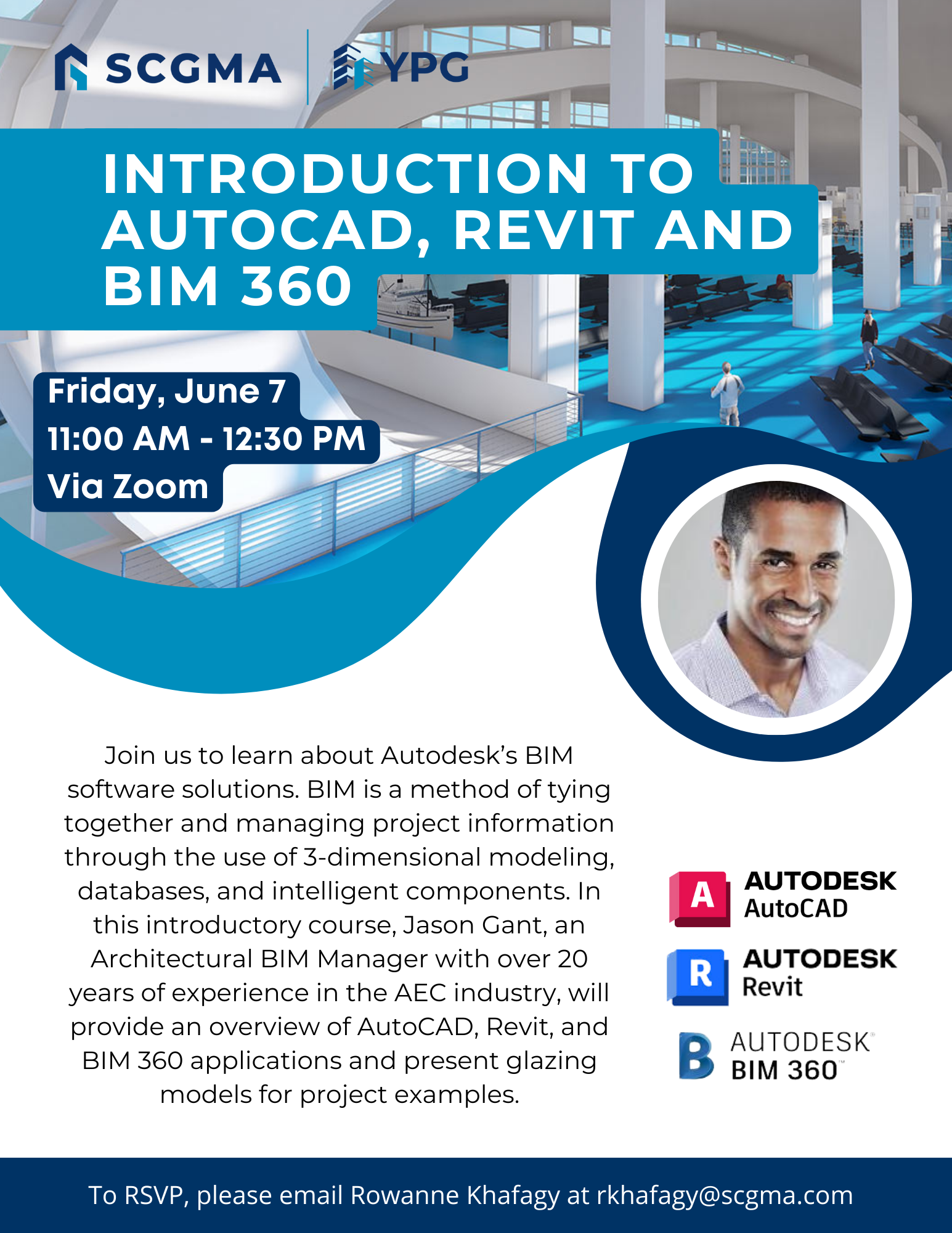 Click Here to Download the Event Flyer.
RSVP Required. To RSVP, please email Rowanne Khafagy at rkhafagy@scgma.com.
Free for SCGMA Members*
$35 for Non-Members*