
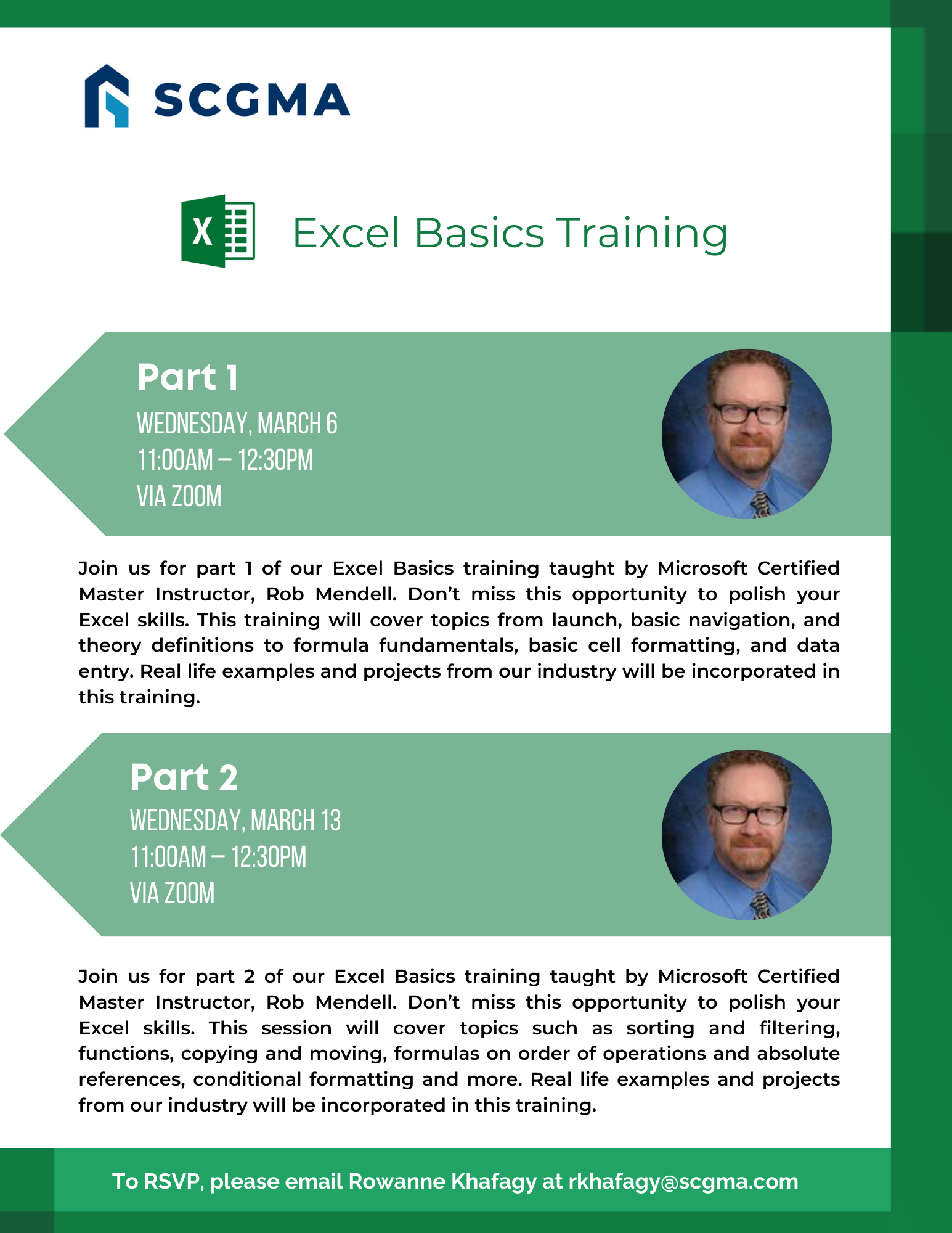
Join us for part 2 of our Excel Basics training taught by Microsoft Certified Master Instructor, Rob Mendell. Don’t miss this opportunity to polish your Excel skills. This session will cover topics such as sorting and filtering, functions, copying and moving, formulas on order of operations and absolute references, conditional formatting and more. Real life examples and projects from our industry will be incorporated in this training.
Date: Wednesday, March 13 , 2024
Time: 11:00am – 12:30pm
Location: via Zoom
Program Outline:
- Even More with Formulas
- MIN and MAX
- Using formulas in context
- Using MIN or MAX as thresholds
- Using precedence in a worksheet
- Using absolute references in in a worksheet
- Edit a formula (F2), Esc v. CTRL+Z – warning about Undo
- Named Ranges
- Show Formulas
- Create a running total
- Basic worksheet actions
- Delete, move, copy, insert Cell, Column, Row, Worksheet
- Name and (Tab) Color
- Basic Sorting and Filtering
- Basic Conditional Formatting
- Basic Charting (e.g., pie, line, column)
- Insert hyperlink
- Hide and unhide Column, Row, Worksheet
- Freeze and Unfreeze and Split
- Error messages
- #NAME?, #DIV/0!, etc.
- Formula Auditing
- Circular references
About Rob Mendell:
 Rob Mendell is an Independent Contractor and a Microsoft Certified Master Instructor for Microsoft Office, providing training and support for end-users. Rob also designs and develops bespoke software solutions inside Microsoft Office by programming in VBA (Visual Basic for Applications): macros, automation templates, and fully customized dialog boxes. Since 1993, He has trained and supported individuals and groups of all sizes, and developed a myriad of robust solutions in the world’s most ubiquitous business software: Microsoft Office. Rob has worked with NECA (National Electrical Contractors Association) and WC&C (Association of Wall-Ceiling & Carpentry Industries), government agencies, healthcare facilities, over 100 law firms, companies in a wide variety of businesses, and individuals.
Click Here to Download the Event Flyer
RSVP Required. To RSVP, please email Rowanne Khafagy at rkhafagy@scgma.com.
Free for SCGMA Members*
$35 for Non-Members*