
Join us for a hands-on session exploring Microsoft OneDrive for Business, the personal file storage and collaboration tool within Microsoft 365. Participants will learn how to securely store, share, and co-author documents in real time, manage files both in the browser and on Windows, and sync content to local devices for offline productivity. Key topics include adding and organizing content, sharing files with peers, using selective sync, and integrating OneDrive with Microsoft Teams to enhance collaboration and workflow efficiency from any location.
Date: Friday, May 8, 2026
Time: 11am – 12:30pm PST
Location: Zoom
Learning Objectives:
- What is OneDrive for Business?
- Exploring OneDrive for Business
- Adding Content to Your OneDrive
- Sharing Files from Your OneDrive
- Managing Files in the Browser
- Managing Files in the Windows
- Syncing OneDrive Content to Your Local Device
- Using Selective Sync
- OneDrive and Teams
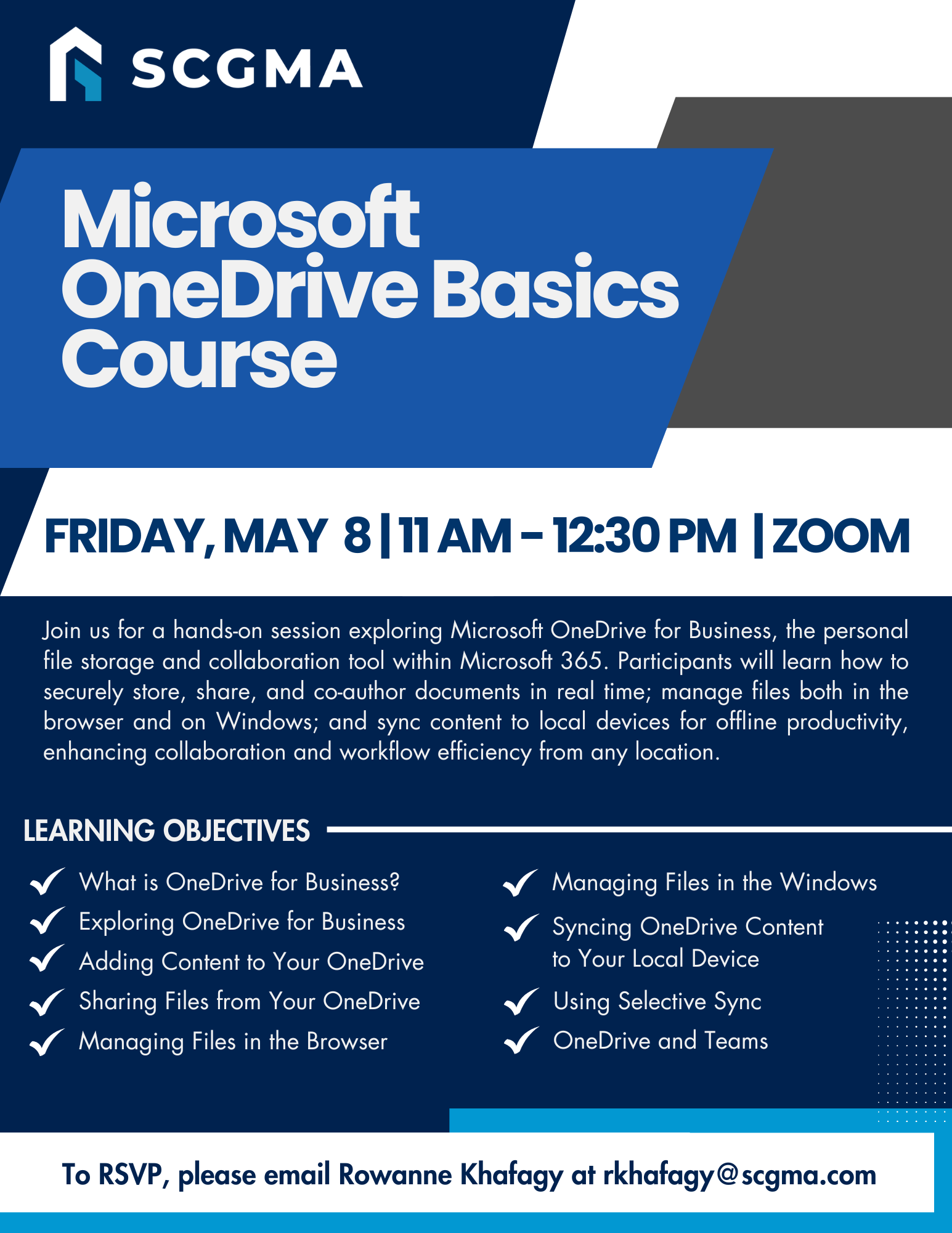 Click Here to Download the Event Flyer.
RSVP Required. To RSVP, please email Rowanne Khafagy at rkhafagy@scgma.com.
Free for SCGMA Members*
$35 for Non-Members*