
Our annual Excel Training continues with a 3-session Intermediate series led by Microsoft Master Instructor Rob Mendell. Lesson 3 covers advanced filtering and data shaping with text and date functions (including newer TEXT functions), plus custom number formats, deeper conditional formatting, and productivity tools like Go To Special, Watch Window, templates, and an intro to macros (record, run, and trigger from the QAT or a shape).
Date: Thursday, March 26, 2026
Time: 11:00am – 1:00pm PST
Location: Zoom
Lesson 3 Outline:
- Advanced Filter (filtering with “and” and “or” Booleans)
- Text functions
- LEFT, RIGHT, MID, LEN, FIND, TRIM, UPPER, LOWER, and PROPER
- New: ARRAYTOTEXT, TEXTBEFORE, TEXTAFTER, TEXTSPLIT, and TEXTJOIN
- Text To Columns
- Using the “&” operator
- ISEVEN, ISODD, MOD
- Determining if a value is even or odd
- The MOD function
- Combining MOD with text
- Dates and Times
- TODAY, NOW
- How Excel stores dates
- Formatting dates
- Functions: YEAR, MONTH, WEEKDAY, (others?)
- Math with dates
- Making a Last Day of Month series
- Custom and Special Cell Formats
- Show leading zeros, enter telephone and social security numbers, red negatives, etc.
- More with Conditional Formatting
- Format other cells based on formula results
- Go To Special
- How to select filtered rows
- Watch Window
- How and why to use the Watch Window
- Intro to Templates
- What is an Excel Template
- Create a template
- Use a template
- Edit a template
- Intro to Macros
- What is a macro
- Record a macro
- Play a macro
- See the code
- Save a macro to a template
- Trigger a macro from a button on the QAT
- Trigger a macro from a shape
About Rob Mendell:
 Rob Mendell is an Independent Contractor and a Microsoft Certified Master Instructor for Microsoft Office, providing training and support for end-users. Rob also designs and develops bespoke software solutions inside Microsoft Office by programming in VBA (Visual Basic for Applications): macros, automation templates, and fully customized dialog boxes. Since 1993, He has trained and supported individuals and groups of all sizes, and developed a myriad of robust solutions in the world’s most ubiquitous business software: Microsoft Office. Rob has worked with NECA (National Electrical Contractors Association) and WC&C (Association of Wall-Ceiling & Carpentry Industries), government agencies, healthcare facilities, over 100 law firms, companies in a wide variety of businesses, and individuals.
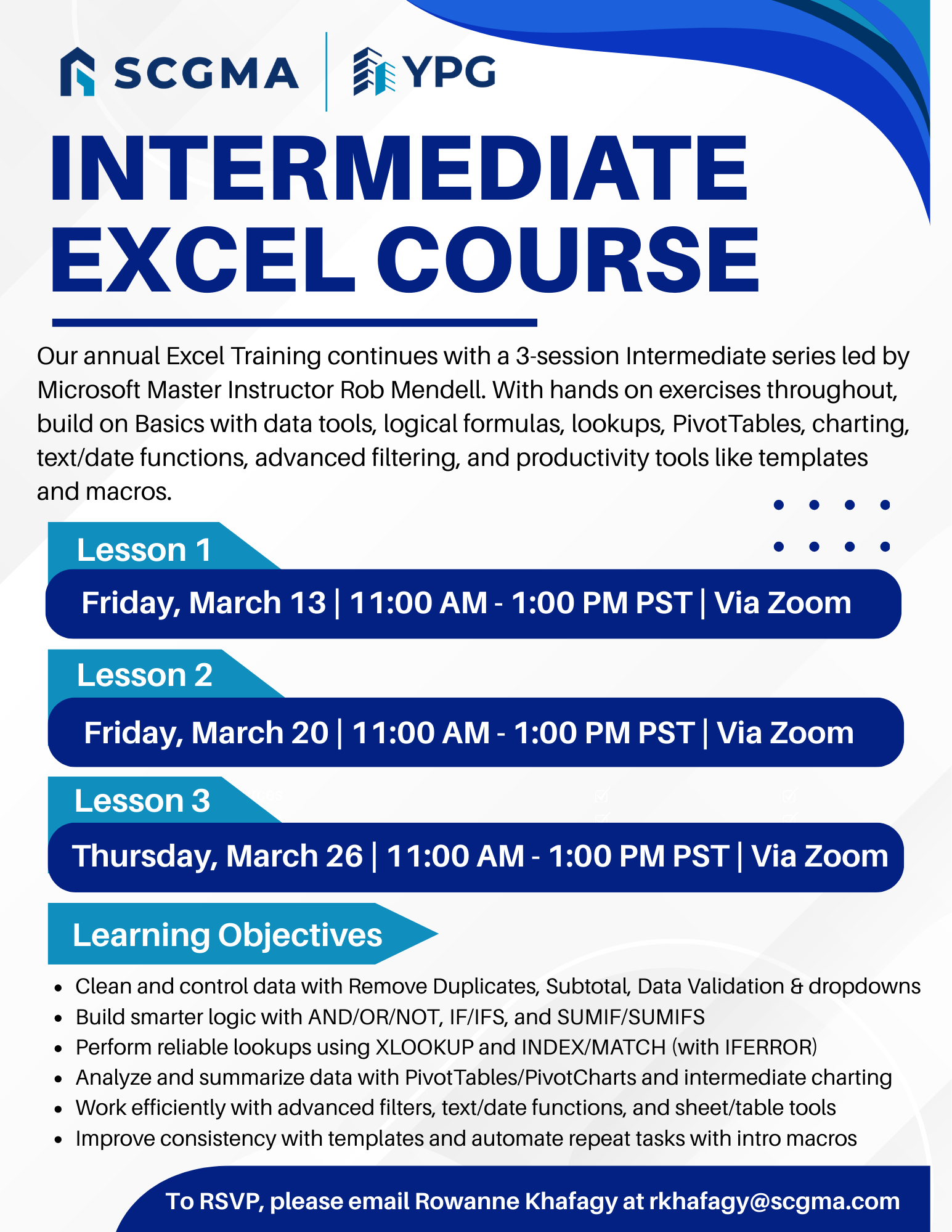 Click Here to Download the Event Flyer.
RSVP Required. To RSVP, please email Rowanne Khafagy at rkhafagy@scgma.com.
Free for SCGMA Members*
$35 for Non-Members*