
SCGMA Lumber AI Live Demo

Discover how to streamline every aspect of your operations with AI and automation. Join us for a live demonstration of Lumber, the AI powered all-in-one construction workforce management platform built for modern contractors. From hiring and onboarding to payroll, time tracking, and real-time project management—Lumber helps you take control of your construction operations with a single, integrated solution. Whether you’re looking to improve efficiency, reduce manual errors, or gain full visibility into your workforce, Lumber is built to scale with your team—from field to office.

Date: Wednesday, August 20, 2025
Time: 11:00am – 12:00pm
Location: via Zoom

What You’ll See:

  • HR + Payroll Simplified: Centralize employee records, automate payroll, manage benefits, and stay compliant with labor laws and OSHA standards—all in one place.
  • Smart Time Tracking: Geo-fenced tracking, Spanish-language timesheet submission, and integrations with 20+ payroll platforms.
  • Real-Time Project Oversight: Monitor job costing, timecards, and project status with live updates from the field.
  • Scheduling Made Simple: Instantly share tasks, updates, and assignments across your teams for seamless collaboration and fewer delays.
  • Benefits Administration: Tap into expert guidance to streamline your benefits strategy and retain top talent.
  • App Integrations: Easily connect Lumber with your existing software stack.
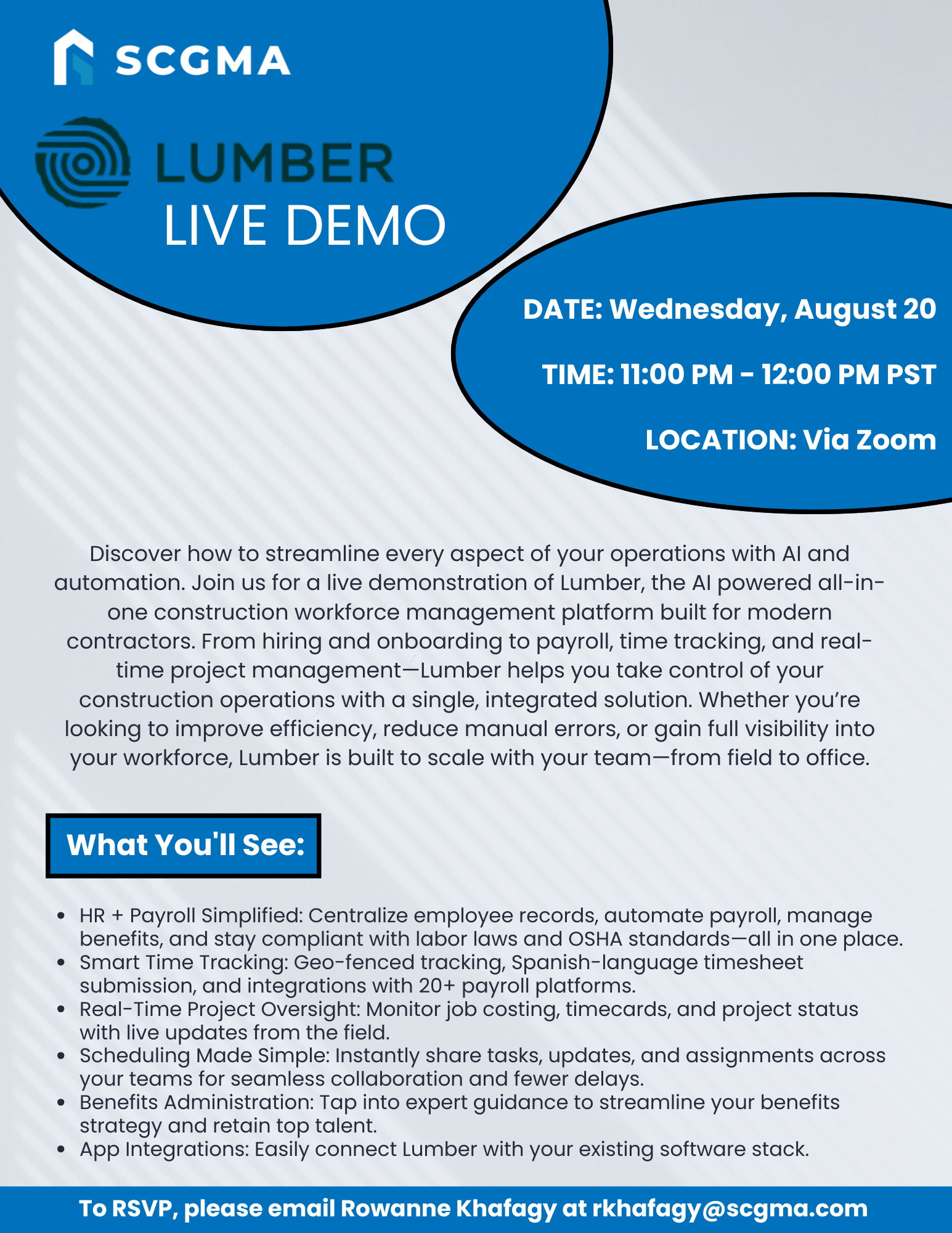
 

Click Here to Download the Event Flyer.

RSVP Required. To RSVP, please email Rowanne Khafagy at rkhafagy@scgma.com.

Free for SCGMA Members*
$35 for Non-Members*

Recent Posts

SCGMA YPG Intermediate Excel Course (2026 Series) – Lesson 3

Our annual Excel Training continues with a 3-session Intermediate series led by Microsoft Master Instructor Rob Mendell. Lesson 3 covers advanced filtering and data shaping with text and date functions (including newer TEXT functions), plus custom number formats, deeper conditional…

January 27, 2026

SCGMA YPG Intermediate Excel Course (2026 Series) – Lesson 2

Our annual Excel Training continues with a 3-session Intermediate series led by Microsoft Master Instructor Rob Mendell. Lesson 2 focuses on lookup and analysis skills: reference functions (ROW/COLUMN, INDIRECT/OFFSET), lookups (VLOOKUP/HLOOKUP, INDEX/MATCH, XLOOKUP + IFERROR), plus tables, sheet-view tools (freeze/split/hide),…

January 27, 2026

SCGMA YPG Intermediate Excel Course (2026 Series) – Lesson 1

Our annual Excel Training continues with a 3-session Intermediate series led by Microsoft Master Instructor Rob Mendell. Lesson 1 reviews the Basics (with Q&A) and moves into intermediate essentials: data tools (Subtotals, Remove Duplicates, Data Validation/dropdowns), logical formulas (AND/OR/NOT, IF/IFS,…

January 27, 2026

SCGMA YPG Excel Basics Course (2026)

Join us for our annual Excel training with Microsoft Master Instructor Rob Mendell. Excel Basics covers essential formulas, efficient workbook setup, error troubleshooting, and time-saving features in a hands-on format—perfect for beginners and experienced users looking to sharpen their skills…

January 27, 2026

SCGMA Event – Open Session

Join us to learn more about Association happenings – trust fund updates, industry updates, man hour updates, and more. Date: Thursday, February 26, 2026 Time: 8:00am – 8:30am Location: via Zoom Tentative agendas for these Open Sessions may include: Glazing Work…

January 19, 2026
MORE STORIES