
This course on Microsoft Teams is designed to deepen your knowledge and skills beyond the basics, focusing on enhancing communication and collaboration within your organization. You’ll learn how to navigate the Teams interface, customize notifications, manage teams and channels, and conduct effective meetings. Through hands-on exercises, you’ll practice setting up Teams, organizing Channels, and managing virtual meetings. By the end of the course, you’ll be equipped to enhance your team’s collaboration and productivity using Microsoft Teams. In Part 1, Microsoft Master Instructor, JoLynn Rihn, will start with a review of 101 topics then delve into navigating Teams Interface, customizing the workspace and managing Teams and Channels.
Date: Tuesday, October 15, 2024
Time: 11:00am – 12:30pm
Location: via Zoom
Program Outline:
- Navigating Teams Interface:
- Explore the Navigation Pane to access Chats, Meetings, Files, and Activity.
- Understand the purpose and functionality of each section including Activity, Chat, Teams, Calendar, Calls, and OneDrive.
- Customizing Your Workspace:
- Learn how to modify the Navigation Pane and manage app icons for quick access.
- Customize notification settings to stay informed without being overwhelmed.
- Managing Teams and Channels:
- Create and configure new Teams and Channels, including private channels and custom tags.
- Manage team roles (Owners, Members, Guests) and understand their permissions.
- Learn to pin, hide, and organize Channels effectively.
Presenter: JoLynn Rihn
With over 30 years in professional development, JoLynn Rihn is a highly experienced Microsoft Master Instructor and Certified Trainer. As the Director of Learning at Virtual Training Co, she designs and delivers training in Microsoft applications, Project Management, and Adobe Acrobat. Her extensive expertise includes instructional design, project management, and software implementations. JoLynn has also served as an instructor at Century College and Western Technical College, and held roles in training coordination and management at ABC Computers and Kwik Trip, Inc.
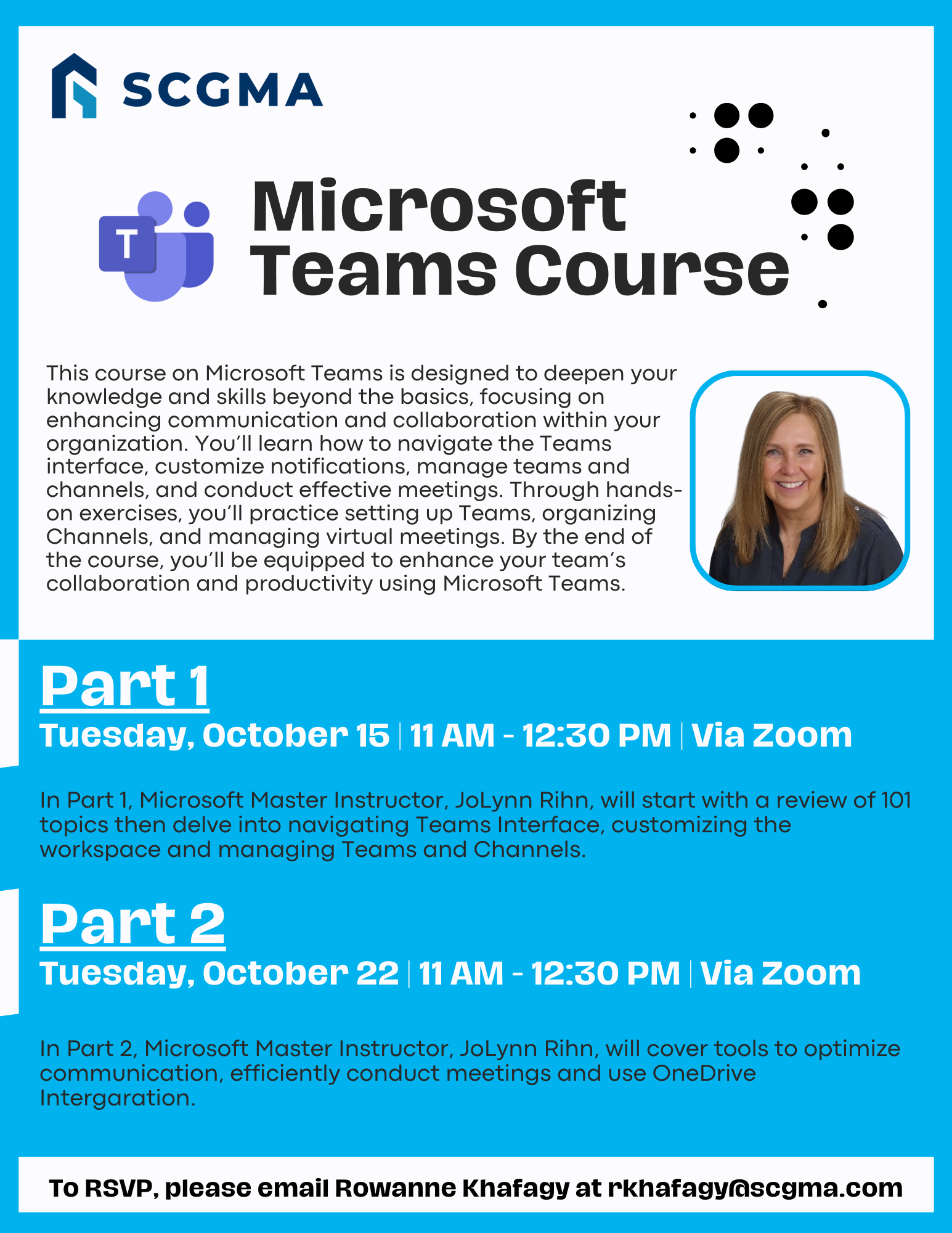 Click Here to Download the Event Flyer.
RSVP Required. To RSVP, please email Rowanne Khafagy at rkhafagy@scgma.com.
Free for SCGMA Members*
$35 for Non-Members*