
SCGMA Microsoft Outlook Level 2 Course: Part 1

Join us for part 1 of our Microsoft Outlook Level 2 Course. This course will delve deeper into the functionalities of Microsoft Outlook, empowering participants to streamline their communication, organization, and task management processes. In this session, Microsoft Master Instructor, JoLynn Rihn, will cover a brief overview of Outlook Level 1 basics and then provide comprehensive instruction and hands-on exercises for participants to gain proficiency in managing emails through advanced techniques such as navigating peeks, cleaning up email threads and optimizing communication efficiency with advanced message properties, Quick Steps and Quick Parts.

Date: Tuesday, June 11, 2024
Time: 11:00am – 12:30pm PST
Location: Via Zoom
Program Outline:

  • Peeks
    • Manage Peeks
    • Dock the Peeks
  • Managing Emails
    • Ignore Messages
    • Ignore a Conversation
    • Stop Ignoring a Conversation
  • Email Cleanup
    • What is a conversation?
    • What does Conversation Clean Up do?
    • Remove Redundant Messages
    • Change Conversation Clean Up options
  • Deleted Items Folder
    • Permanently Delete an Email in Outlook Beyond Recovery
    • Empty the Deleted Items Folder in Outlook
    • Managing Deleted Items
  • Quick Steps
    • Default Quick Steps
    • Create a Quick Step
  • Flagging Messages
    • Mark Flagged Item as Complete
  • Outlook Message Properties
    • Delivery Options
    • Delay delivery
    • Tracking Options
    • Voting Buttons
  • Quick Parts
    • Creating Quick Parts
    • Inserting Quick Parts
  • Outlook Message Properties
    • Sensitivity
    • Delay Delivery
  • Outlook Categories
    • Assign a color category to an Item
    • Create a Color Category
    • View by Category
  • Recall a Message
  • Junk Mail
    • Junk Folder
    • Add Senders to Safe List
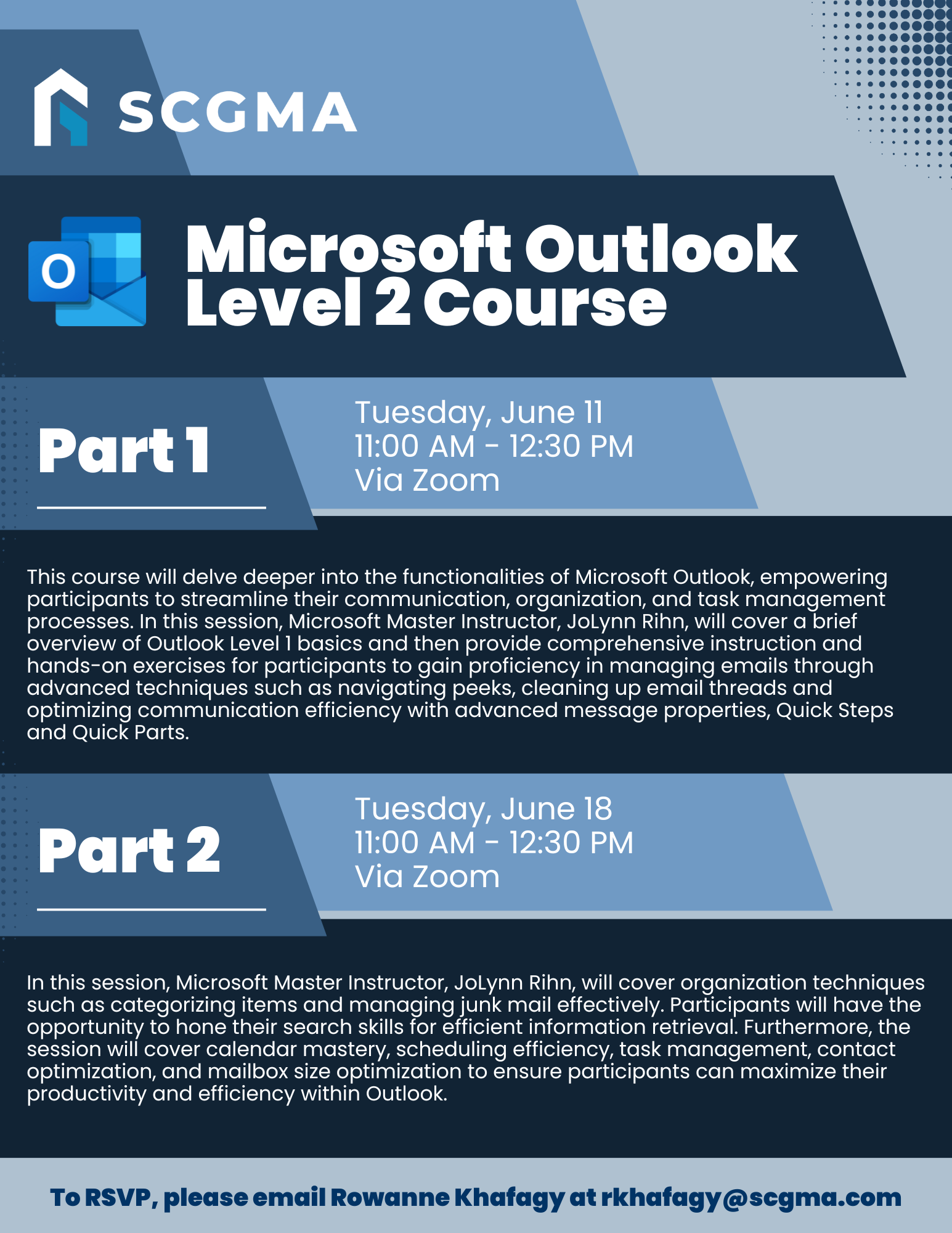
 

Click Here to Download the Event Flyer.

RSVP Required. To RSVP, please email Rowanne Khafagy at rkhafagy@scgma.com.

Free for SCGMA Members*
$35 for Non-Members*

Recent Posts

SCGMA YPG Microsoft Outlook Beyond the Basics (2026)

Join us for our Outlook training led by Microsoft Master Instructor JoLynn Rihn. This session begins with a brief review of Level 1 fundamentals before moving into advanced Level 2 tools and best practices. You will learn how to organize…

February 24, 2026

SCGMA YPG 2026 Glazing Boot Camp ft. USC

Our annual Glazing Boot Camp returns in 2026 at the Apprenticeship Training Facility in Commerce. This immersive, hands-on session brings attendees together to work alongside our apprentices in building storefront and curtainwall mockups while exploring essential glazing installation techniques. Attendees…

February 18, 2026

2026 Employment Law Updates Webinar presented by Littler

Join Joy Rosenquist for an engaging and practical webinar examining the most significant employment law changes coming out of California’s 2025 legislative session. This year’s program highlights where employers are most at risk, including: New prohibitions on training repayment and…

February 2, 2026

SCGMA YPG Intermediate Excel Course (2026 Series) – Lesson 3

Our annual Excel Training continues with a 3-session Intermediate series led by Microsoft Master Instructor Rob Mendell. Lesson 3 covers advanced filtering and data shaping with text and date functions (including newer TEXT functions), plus custom number formats, deeper conditional…

January 27, 2026

SCGMA YPG Intermediate Excel Course (2026 Series) – Lesson 2

Our annual Excel Training continues with a 3-session Intermediate series led by Microsoft Master Instructor Rob Mendell. Lesson 2 focuses on lookup and analysis skills: reference functions (ROW/COLUMN, INDIRECT/OFFSET), lookups (VLOOKUP/HLOOKUP, INDEX/MATCH, XLOOKUP + IFERROR), plus tables, sheet-view tools (freeze/split/hide),…

January 27, 2026
MORE STORIES